
Native App vs Hybrid App: What Should You Build in 2025?
Introduction
With mobile apps driving much of today’s digital engagement, one of the first questions businesses face is: Should we build a native app or a hybrid app?
As mobile technology evolves rapidly, this decision carries more weight than ever. In 2025, users expect speed, intuitive design, and seamless performance—and the type of app you choose directly impacts those experiences.
This article breaks down everything you need to know about native vs hybrid apps, their advantages, drawbacks, costs, and use cases—so you can confidently decide which approach best fits your business goals.
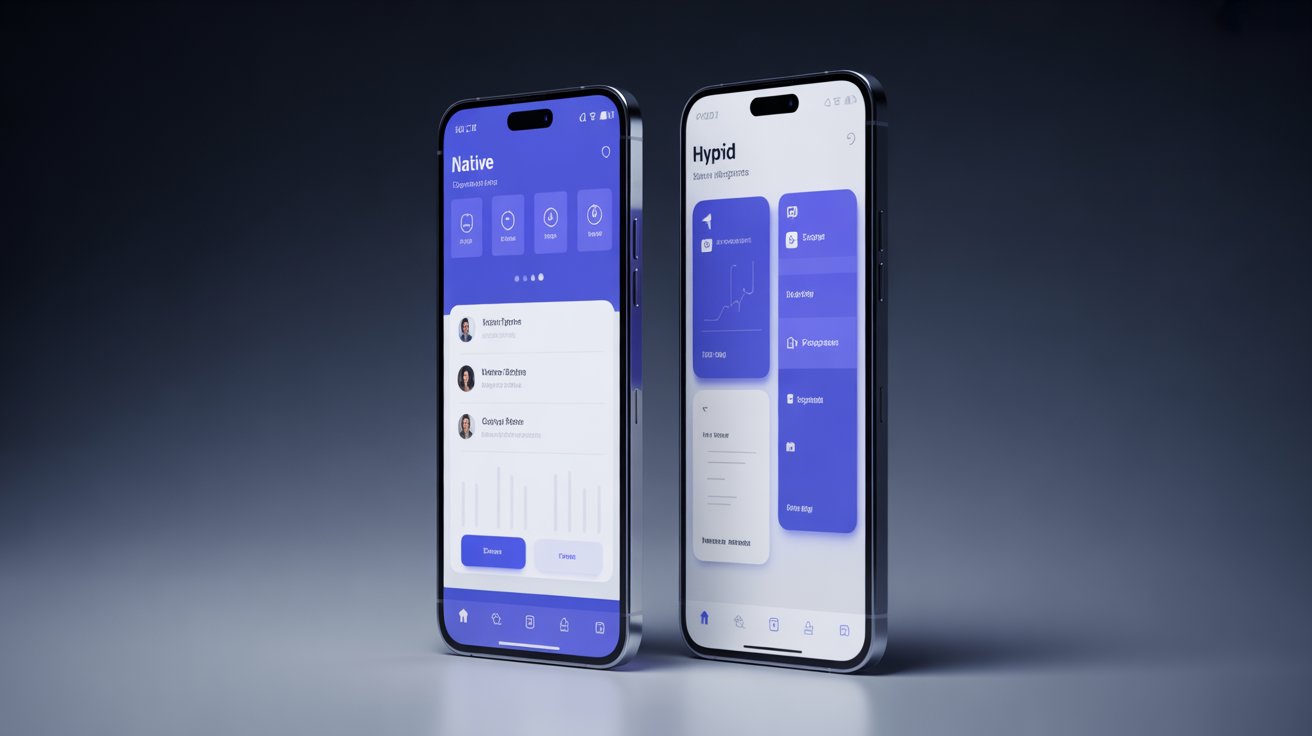
What Is a Native App?
A native app is built specifically for a particular operating system—iOS (Swift/Objective-C) or Android (Kotlin/Java). Developers use platform-specific programming languages and tools, ensuring that the app fully leverages the device’s hardware and software capabilities.
Examples of Native Apps:
-
Instagram (originally developed natively)
-
Spotify
-
WhatsApp
-
Google Maps
Advantages of Native Apps
-
Superior Performance:
Native apps are optimized for their specific platforms, providing faster loading times, smoother animations, and better responsiveness. -
Access to Native Features:
They can easily use built-in device features like GPS, camera, push notifications, and sensors without additional plugins. -
Enhanced User Experience (UX):
Each app aligns perfectly with the operating system’s design language (Material Design for Android or Human Interface Guidelines for iOS). -
Offline Functionality:
Native apps can store large amounts of data locally, allowing users to access key features even without internet connectivity. -
Security and Reliability:
Native apps benefit from OS-level security features and frequent updates, making them more secure and stable.
Disadvantages of Native Apps
-
Higher Development Cost: You’ll need to build and maintain separate codebases for iOS and Android.
-
Longer Time to Market: Two development teams often mean more time before launch.
-
Maintenance Overhead: Every update or feature must be implemented separately for each platform.
Best For:
Enterprises or startups that prioritize top-tier performance, UX, and scalability.
What Is a Hybrid App?
A hybrid app combines elements of both web and native applications. Built using web technologies like HTML, CSS, and JavaScript, it runs inside a native wrapper that allows access to device features through frameworks like React Native, Ionic, or Flutter.
Examples of Hybrid Apps:
-
Uber
-
Instagram (later migrated toward native components)
-
Evernote
-
Twitter (early versions)
Advantages of Hybrid Apps
-
Faster Development:
With a single codebase for both iOS and Android, hybrid apps can be built and deployed more quickly. -
Cost-Effective:
Maintaining one shared codebase reduces development and maintenance expenses. -
Easier Updates:
A single update applies to both platforms simultaneously, simplifying the release process. -
Cross-Platform Compatibility:
Works seamlessly across devices, ensuring consistent branding and functionality. -
Access to Native APIs:
Through frameworks, hybrid apps can access features like camera, GPS, and push notifications.
Disadvantages of Hybrid Apps
-
Performance Limitations: Hybrid apps may lag or stutter during animations or when handling complex tasks.
-
Less Native-Like UX: Hybrid apps may not fully align with each platform’s UI guidelines.
-
Dependency on Third-Party Tools: Developers rely heavily on frameworks, which may become outdated or unsupported.
-
Limited Access to Advanced Features: Some advanced device functionalities aren’t easily accessible through hybrid frameworks.
Best For:
Startups or small businesses looking for fast market entry and budget-friendly app solutions.
Native App vs Hybrid App: Key Differences
| Feature | Native App | Hybrid App |
|---|---|---|
| Codebase | Separate for iOS and Android | Single shared codebase |
| Performance | Excellent | Moderate |
| User Experience (UX) | Seamless and platform-optimized | Slightly less polished |
| Development Cost | Higher | Lower |
| Development Speed | Slower | Faster |
| Maintenance | Separate updates per platform | Unified updates |
| Offline Support | Strong | Moderate |
| Frameworks/Tools | Xcode, Android Studio | Flutter, React Native, Ionic, Cordova |
Performance Comparison
Performance is often the most debated aspect of the native vs hybrid app discussion.
-
Native apps are compiled into machine code, offering superior speed and responsiveness. They handle intensive tasks—like gaming, video streaming, and GPS tracking—more efficiently.
-
Hybrid apps rely on web technologies rendered inside a native container. While frameworks like Flutter and React Native have narrowed the gap, performance may still fall short for high-load applications.
Verdict:
If performance is critical (e.g., gaming, fintech, or AR apps), go native. For moderate workloads or MVPs, hybrid suffices.
User Experience (UX)
Users expect apps to feel “right” for their device. Native apps follow the design standards of their operating system—offering smooth animations, intuitive navigation, and OS-level accessibility.
Hybrid apps can mimic these interactions, but differences often appear in:
-
Animation smoothness
-
Keyboard behavior
-
Scrolling performance
-
UI element consistency
Verdict:
For best-in-class UX, native apps remain unbeatable.
Cost and Time to Market
Budget and timelines are critical for startups and small businesses.
Native Development:
-
Higher upfront costs due to two separate teams.
-
Longer timelines (6–12 months for full-scale apps).
Hybrid Development:
-
30–50% lower cost since one team builds both versions.
-
Faster launch (3–6 months for MVPs).
Verdict:
Hybrid apps win for affordability and speed to market.
Maintenance and Scalability
-
Native apps require separate updates for each platform, which can double maintenance costs. However, they scale more easily with complex architectures.
-
Hybrid apps offer unified updates but may face compatibility issues when platforms release new OS updates.
Verdict:
If you expect frequent updates or long-term scalability, native is more stable. For lean teams, hybrid simplifies maintenance.
Security Considerations
Security is non-negotiable, especially for apps handling payments, personal data, or sensitive content.
-
Native apps benefit from stronger OS-level security and sandboxing.
-
Hybrid apps can be secure but depend on third-party frameworks and web views, which increase exposure to vulnerabilities.
Verdict:
For fintech, healthcare, or enterprise apps, native is the safer bet.
When to Choose a Native App
Choose native if your business needs:
✅ Complex features (e.g., AR, geofencing, Bluetooth, or 3D graphics)
✅ Top-tier performance and stability
✅ Superior offline capabilities
✅ Tight integration with device hardware
✅ High-end UX tailored for each platform
Example:
A fintech startup building a real-time trading platform should go native for maximum speed and data protection.
When to Choose a Hybrid App
Choose hybrid if your business needs:
✅ Rapid development and lower costs
✅ Consistent UI across iOS and Android
✅ Minimal use of heavy graphics or animations
✅ Faster time to market for MVPs or prototypes
Example:
A small retail business launching a loyalty or eCommerce app can start with a hybrid approach to test the market affordably.
Emerging Trend: Progressive Web Apps (PWAs)
In 2025, Progressive Web Apps (PWAs) are bridging the gap between native and hybrid apps. PWAs run in browsers but offer app-like experiences—offline access, push notifications, and home screen installation—without app store downloads.
Why PWAs Are Gaining Ground:
-
Faster and cheaper to develop
-
Great for SEO
-
Platform-independent
-
No app store approval process
However, they still lack full access to native device features (e.g., Bluetooth, NFC).
Conclusion: Which Should You Build?
The native app vs hybrid app choice boils down to your goals, budget, and audience expectations.
-
If you want best-in-class performance, scalability, and user experience, native is the way to go.
-
If you need to launch quickly, minimize costs, or test an idea, hybrid offers a practical solution.
Pro Tip:
Many businesses start with a hybrid app for their MVP, validate their product-market fit, and later migrate to native for enhanced performance.
Final Thoughts & Call-to-Action
In 2025, mobile experiences define how customers perceive your brand. Choose a path that aligns with your long-term digital strategy—not just short-term convenience.
Ready to build your next app?
Consult with a professional development team to assess your goals and choose the ideal technology stack. Whether native or hybrid, success starts with a clear strategy and expert execution.